


A Day in the Life of a Senior Smart Home Concierge in San Diego
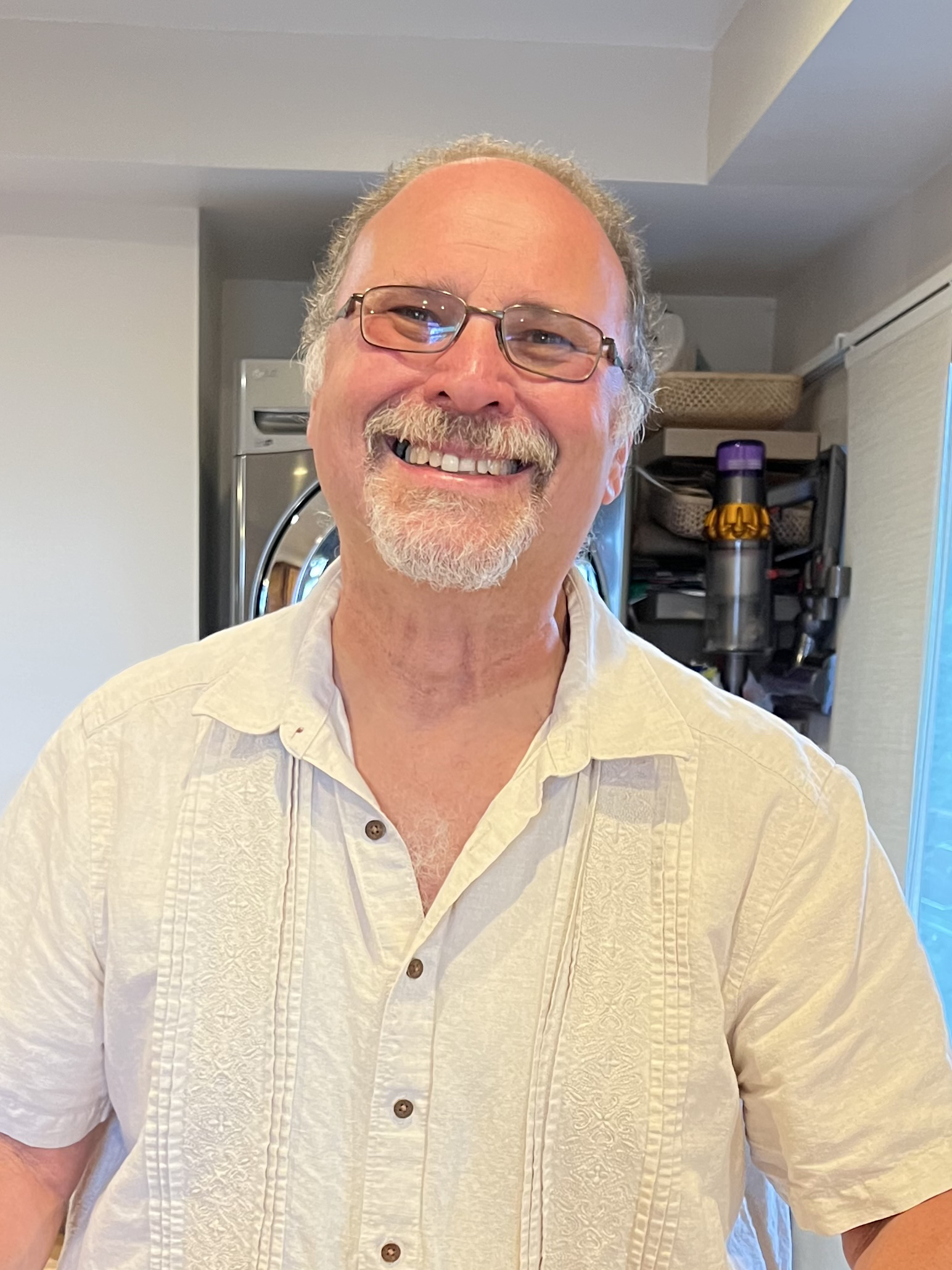
Helping seniors feel comfortable with technology is a rewarding part of my day. As a senior smart home concierge, I visit homes across San Diego, patiently guiding people through their smart devices and daily tech challenges. Each appointment is unique, but the goal is always the same: to make technology easy, useful, beneficial, empowering and friendly.
Initial Visit: Repairing a Non-Responsive Smart TV
My first stop today was with Mrs. Thompson, who was frustrated because her smart TV wouldn’t respond. She also could not access her streaming apps. She told me she just wanted to watch her favorite shows without fuss.
I started by checking the basics: batteries in the remote, power connection, and the TV’s settings. Sometimes, a simple reset solves the problem. In this case, the TV’s software needed an update. I showed Mrs. Thompson how to check for updates and explained why keeping devices updated helps them work better.
We also talked about the voice control feature on her smart TV. I demonstrated how she could use her voice to change channels or adjust volume, which she found exciting and easier than using the remote.
This visit reminded me how small tech issues can feel overwhelming. Taking time to explain and show solutions helps build confidence.
Second Appointment: Introducing an iPhone to a New User
Next, I met Mr. Garcia, who recently got his first iPhone. He was eager but unsure where to start. We began with the basics: how to turn the phone on and off, make calls, send texts, and use the camera.
I explained the home screen layout and how to find apps. We practiced sending messages and making video calls to family. I also showed him how to adjust the volume and set up emergency contacts.
To make things easier, I recommended the Apple iPhone SE, a model known for its simplicity and clear display, perfect for seniors new to smartphones.
We took it slow, and I encouraged him to ask questions anytime. By the end, he was already texting me a smiley face.
Frequently, it's more advantageous to have an independent person conduct this training instead of a family member, as the communication and rapport differ significantly. Often, the family member ends up performing the task themselves rather than letting the user do it. A Smart Home Concierge enables the user to "drive" rather than having the task done for them.

Third Appointment: Staying Safe from Email, Text, and Phishing Scams
At my third appointment, I met Mrs. Goldblum, who was worried about suspicious emails and texts she had been receiving. She wasn’t sure which messages were safe and which were scams.
I explained common signs of phishing scams: messages asking for personal information, urgent language, or links from unknown senders. We went through her email inbox and text messages together, identifying suspicious ones and marking them as spam.
I also showed her how to set up filters and block unwanted contacts. We talked about never giving out personal details like Social Security numbers or bank info over email or phone.
To help her stay protected, I recommended using a trusted email service with strong spam filters and suggested she visit the San Diego County Office on Aging website for more tips on scam awareness.
This session was important because staying safe online is just as crucial as using technology.
Fourth Appointment: Syncing Voice Assistants for Lights and Medical Reminders
Later in the day, I helped Mr. and Mrs. Wutherington set up their voice assistant to control their home lights and remind them about medications and appointments.
We connected their smart speaker to the lighting system, so they could say, “Turn off the living room lights,” without getting up. We also automated the outside lighting to turn on just before sunset, and turn off at sunrise. Then, I helped them program daily medical reminders and appointments through the assistant, which would alert them when it was time to take their pills, or leave for theor appontment.
This setup made their home more comfortable and safer, especially during the night or when they were busy.
I recommended the Amazon Echo Dot for its easy voice commands and clear sound, which works well for seniors.
Fifth Appointment: Group Instruction at a Retirement Community
My last appointment was a group session at a local retirement community. I spoke to about a dozen seniors about using smart technology and how it can improve daily life.
We covered:
How to make certain phone procedures habitual, like answering calls and checking messages.
Recognizing scam calls and never giving out personal information.
Using voice assistants to control home devices.
The benefits of not being afraid of technology and asking for help when needed.
I encouraged everyone to practice regularly and assured them that mistakes are part of learning. The group was lively and asked many great questions, which made the session fun and interactive.

Why This Work Matters
Each visit reminds me how technology can open doors for seniors, making life easier and more connected. Whether it’s fixing a TV, teaching a new phone, or protecting against scams, the goal is to build confidence and independence.
Smart home technology is not just about gadgets. It’s about creating a safer, more comfortable home and helping people stay in touch with loved ones.
If you or someone you know requires assistance with smart devices, keep in mind that help is accessible. Personalized instruction in a safe and welcoming environment, such as their home, simplifies the process of learning technology that may be entirely new to a senior. The sense of achievement after mastering something so technical and unfamiliar is truly rewarding and beneficial. Taking small steps and asking questions can have a significant impact.

Technology can feel overwhelming, but with the right guidance, it becomes a helpful friend. I’m proud to be part of that journey every day in San Diego.
If you want to learn more about smart home technology or need personalized help, don’t hesitate to reach out. Your home can be smarter, safer, and more comfortable with a little support.
This post is for informational purposes only and does not replace professional advice.


Comments